The table of contents builds automatically.
It detects where each unit starts, even if the PDF doesn’t mark it, and adds it to your Kindle’s menu. So you can go from Unit 3 to 7 with one tap, instead of flipping through a hundred pages.
If it misses any, you can fix it before downloading the book, by checking the page.
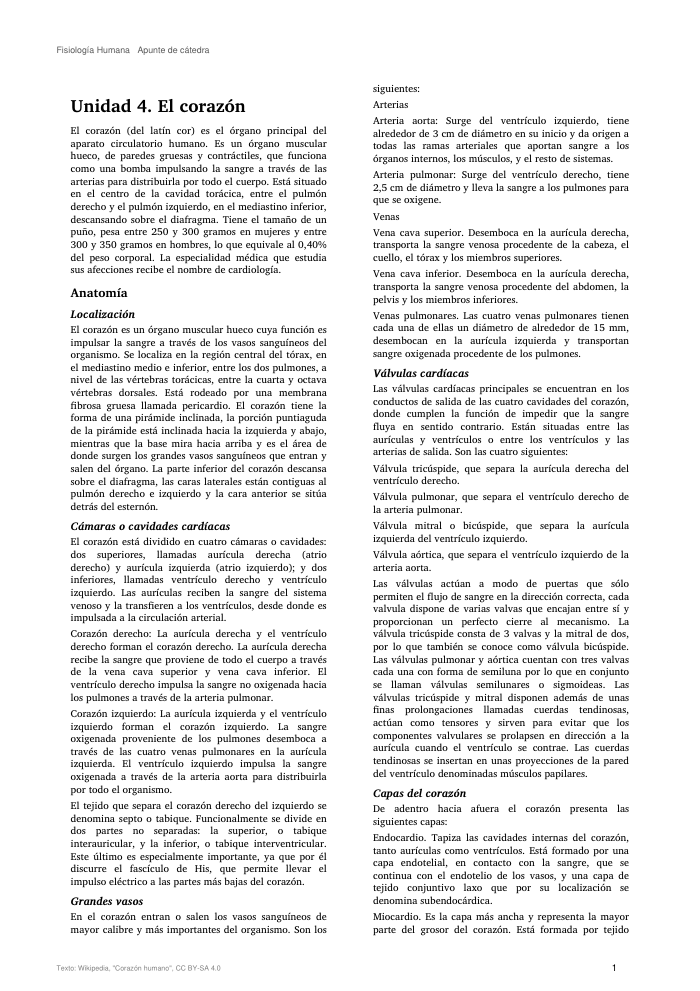
Two columns, photocopies, and formulas.
It reads each column in order and joins words the PDF split with a hyphen. If your class notes are a scanned photocopy, it turns them into text.
Anything that’s not text, like a chart, table, or formula, stays as a clear image in place.
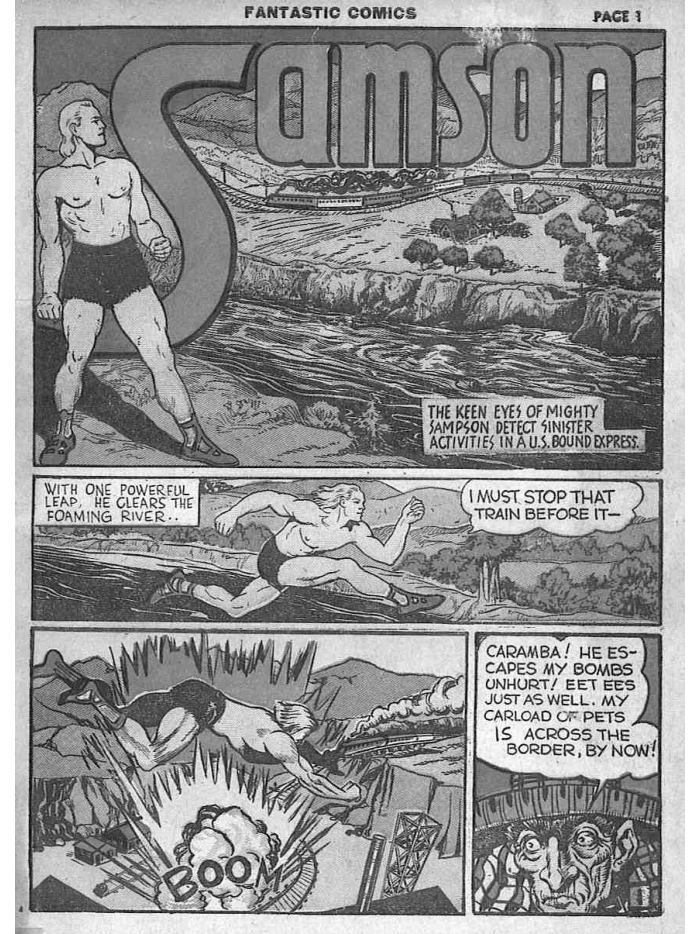
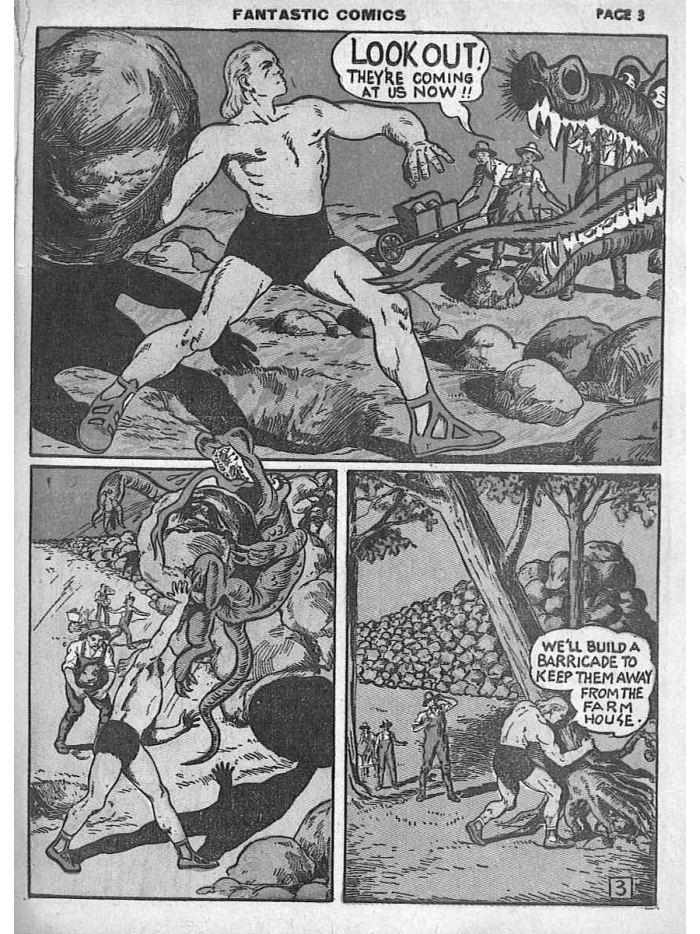
Comics, full screen.
It trims white margins, splits double pages, and adjusts contrast for e-ink. If it’s manga, it keeps right-to-left reading.
Fantastic Comics No. 6, 1940. Public domain. Tap a page to turn.
Questions
How much does it cost?
You start for free. If you’ll use it often, unlimited plan is 5 USD per month and you can cancel anytime.
How do I send it to my Kindle?
By cable: connect your Kindle to your computer and copy the file to the documents folder. Online: upload it at amazon.com/sendtokindle with your Amazon account and it appears automatically. When you download, we explain step by step.
What happens to my files?
The book you download stays in your library, along with the file you uploaded, so you can download or create it again anytime, until you delete it; the one you don’t download is deleted after 24 hours. Only you can see your library: it’s not shared or used for anything else.
Does it always come out perfect?
With class notes and books in Spanish it works great. It might still miss a formula in the middle of a scanned line. That’s why you see the finished book on screen before downloading.
How is it different from sending the PDF with Send to Kindle or using Calibre?
Send to Kindle leaves the PDF as a shrunk full page, and its conversion often loses titles and mixes columns. Calibre often cuts lines in half and doesn’t read class notes in two columns well. Legible rebuilds the text as a book, with chapters, and shows it finished before you download.
Does it work with a scanned PDF or photocopy?
Yes. If the PDF is an image, it turns it into Spanish text (OCR) and then builds it as a book. Charts and formulas stay as images in place.
Do I need to install anything?
No. It works in your browser, on your computer or phone.
Does it work for other brands, like Kobo?
Yes. The “Online” option file is an EPUB, and any reader can open it.
Try it with the class notes you have nearby.
In a few minutes you’ll see it finished, before you download.